One playbook.
Every artifact.
Every kid.
Four surfaces that share one source of truth. Built for youth football coaches who want their playbook on every kid’s phone — not in another three-ring binder.
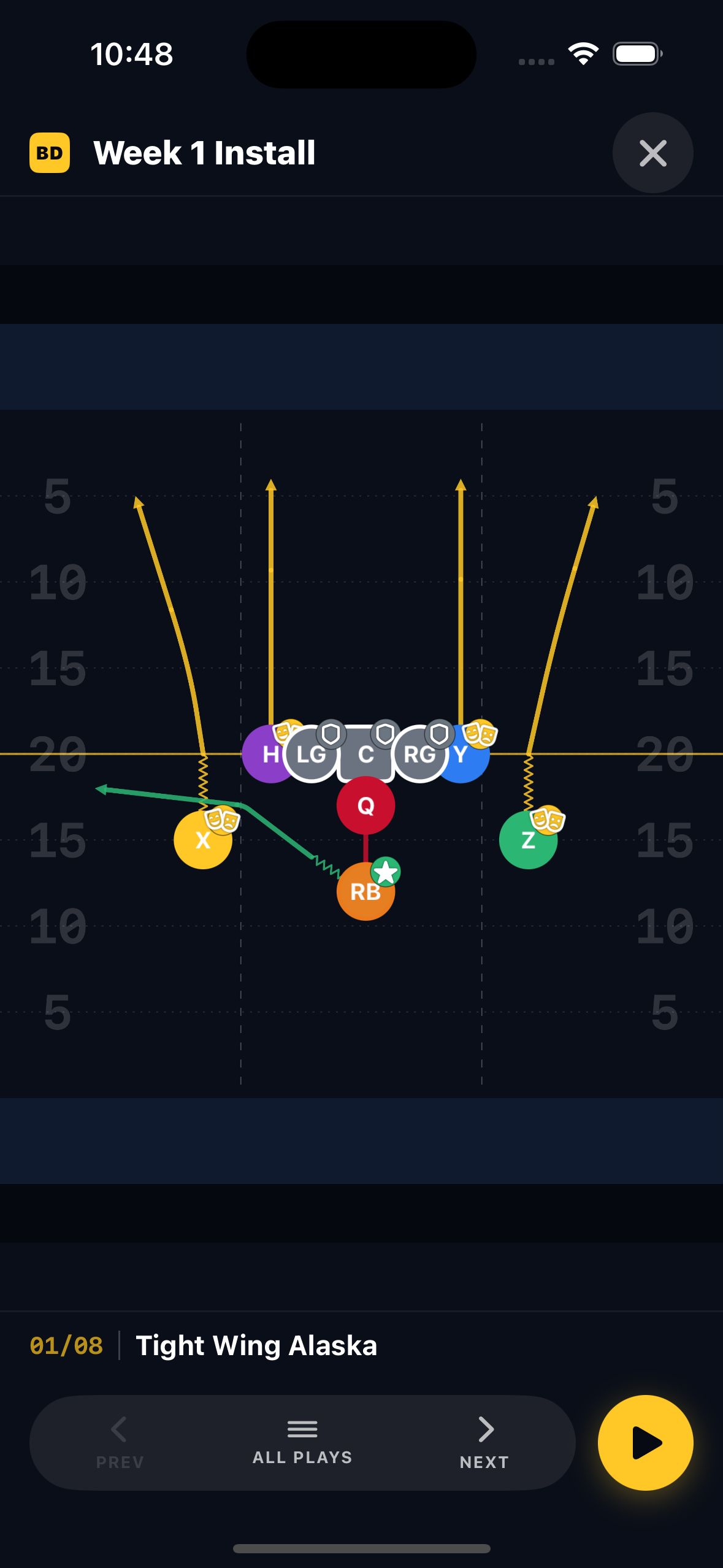
Your team, on day one.
Stand up a team in under a minute. Add players, assign positions, set numbers. Bring last year’s roster forward, or invite parents to claim their kid’s spot — no spreadsheet, no Drive folder.
- Teams
Multi-team support.Run a varsity playbook and a JV playbook from the same coach profile. Each team has its own roster, installs, and assignments.
- Roster
Players, positions, numbers.Assign a player to multiple positions. Coaches see all of them; players see their assignment for the play they’re running.
- Invites
Parent-friendly onboarding.Email or text an invite. Parent creates a player account for free, gets their kid linked, and they’re in this week’s install.
- Carry over
Season rollover.Move last year’s roster into a new season with one tap. Keep playbook intact; refresh just the players who changed.
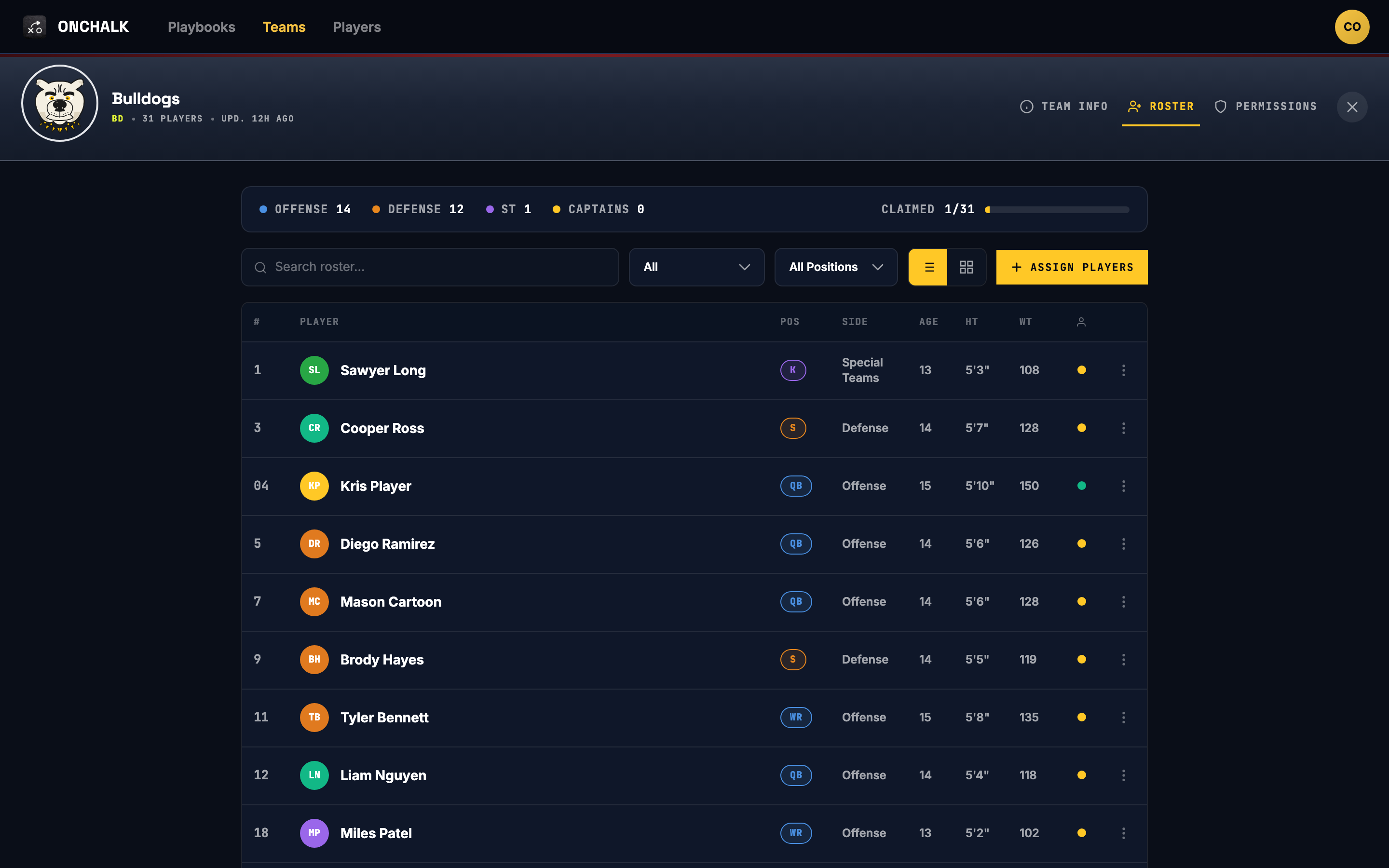
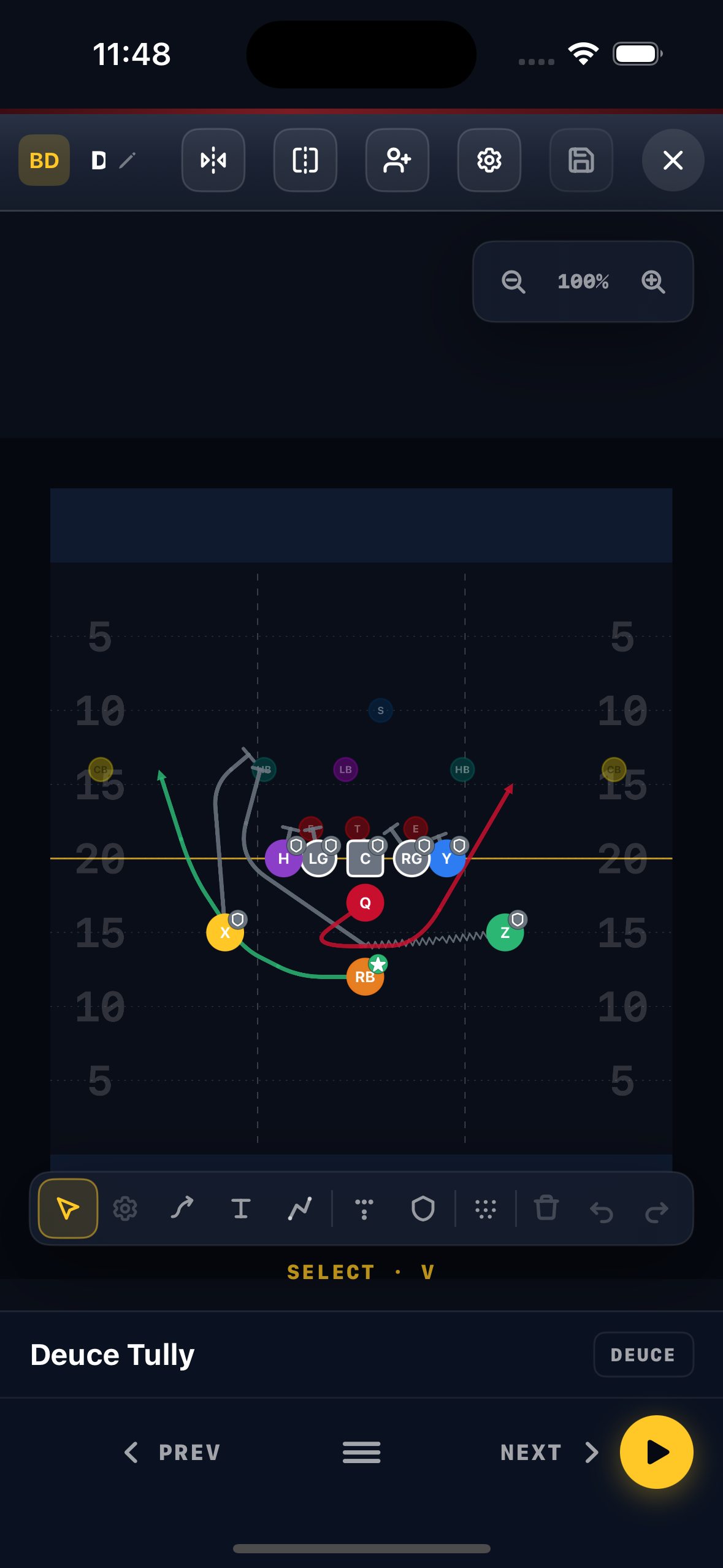
Draw it like you’d draw it on the board.
A touch-first play editor. Place positions, draw routes, set per-player assignments. Built for the way coaches actually draw — whiteboard speed, finger-on-iPad fluency, no graphic-design ceremony.
- Editor
Touch-first play editor.Drag positions, draw routes, set blocks. Edits feel like the whiteboard, not like CAD.
- Formations
Define a formation once.Spread Detroit, Power-I, Wing-T — build them once and stamp into any play. Tweak the formation, every play that uses it follows.
- Routes
Per-position assignments.Slant, curl, drag, post — with depth, hand position, and a one-line teaching note for each player on the play.
- Library
One playbook, lifetime.Your playbook lives on your coach profile. Move teams, take a year off, come back — everything’s still there.
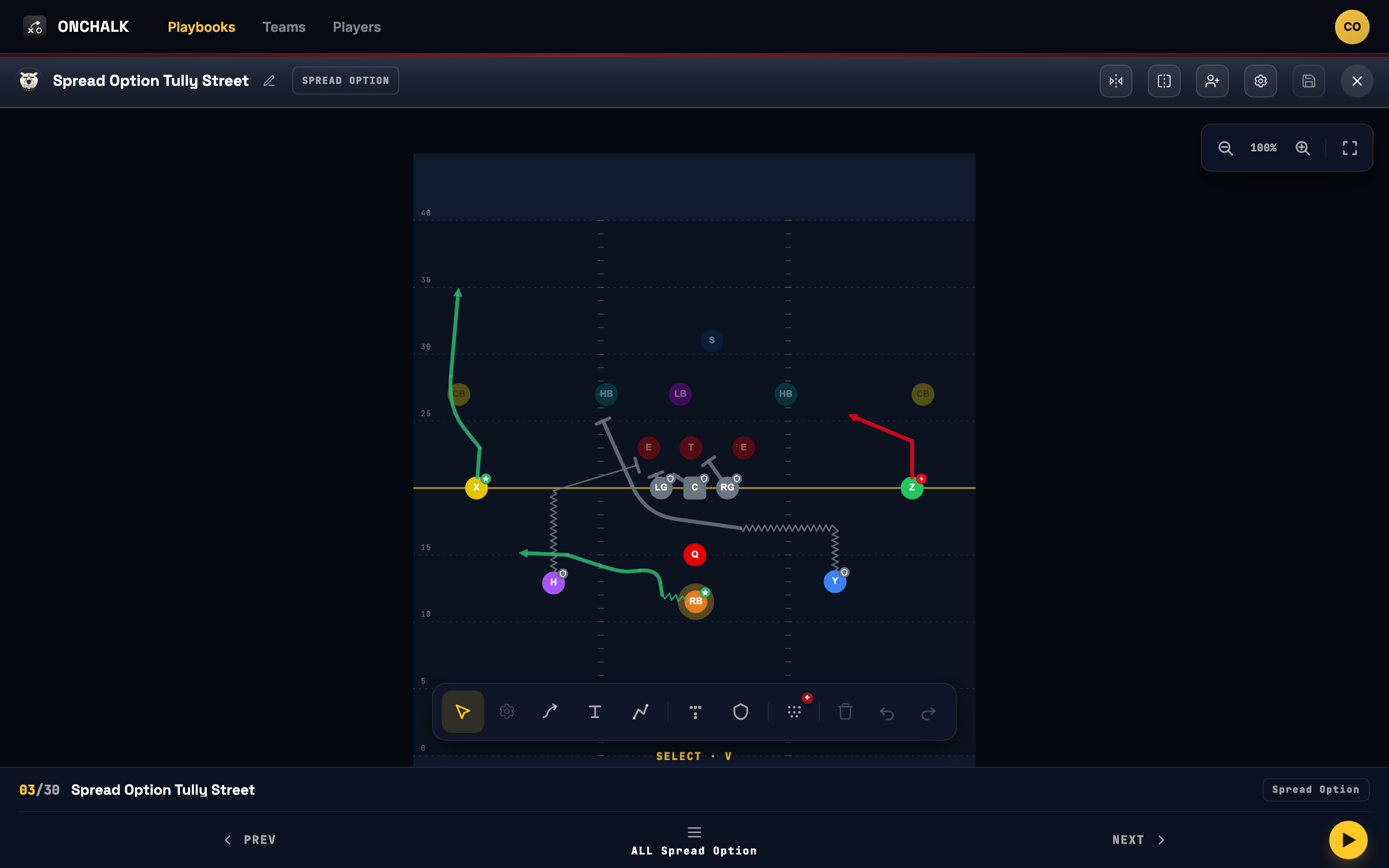
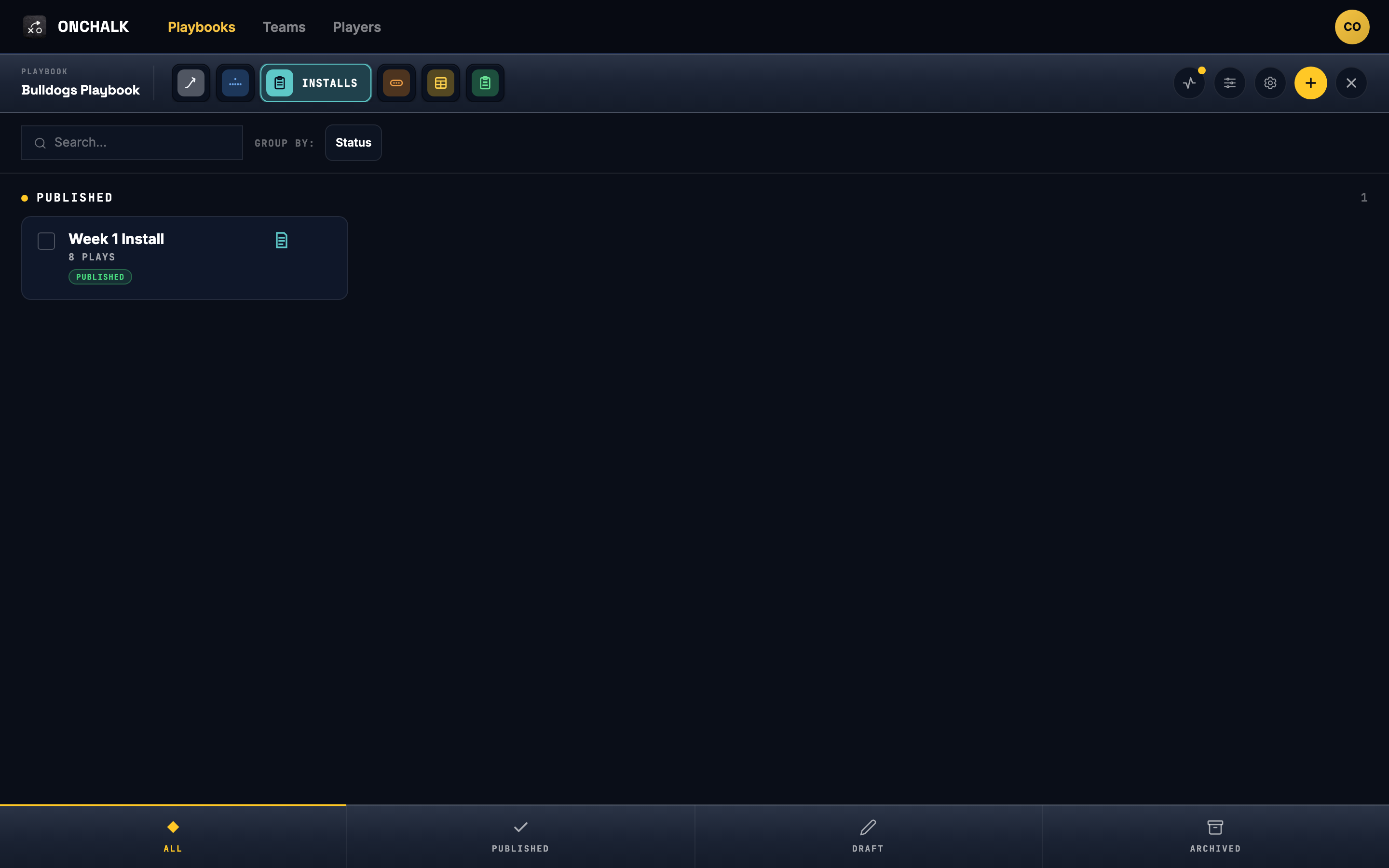
The weekly plan, ready to ship.
An install is the week’s package — the plays you’re teaching, in the order you want them learned, scoped to the players who need them. Build it Tuesday. Push it Wednesday. Update it Thursday. Friday it’s on every player’s phone.
- Plan
Plays in the order you teach them.Pull plays from your playbook into an install. Reorder by drag. Note the situation, the formation, the install priority.
- Scope
Whole-team, position, or per-player.Assign to the team, just the line, or one player who’s repping a new spot. Players see only what’s theirs.
- Publish
Drop when you’re ready.Draft until practice. Publish — players get a push. Pull it back if Tuesday wasn’t what you hoped.
- Versions
Edit safely mid-week.Change a play; the install reflects it. Players see a small “updated” flag, not a fresh notification flood.
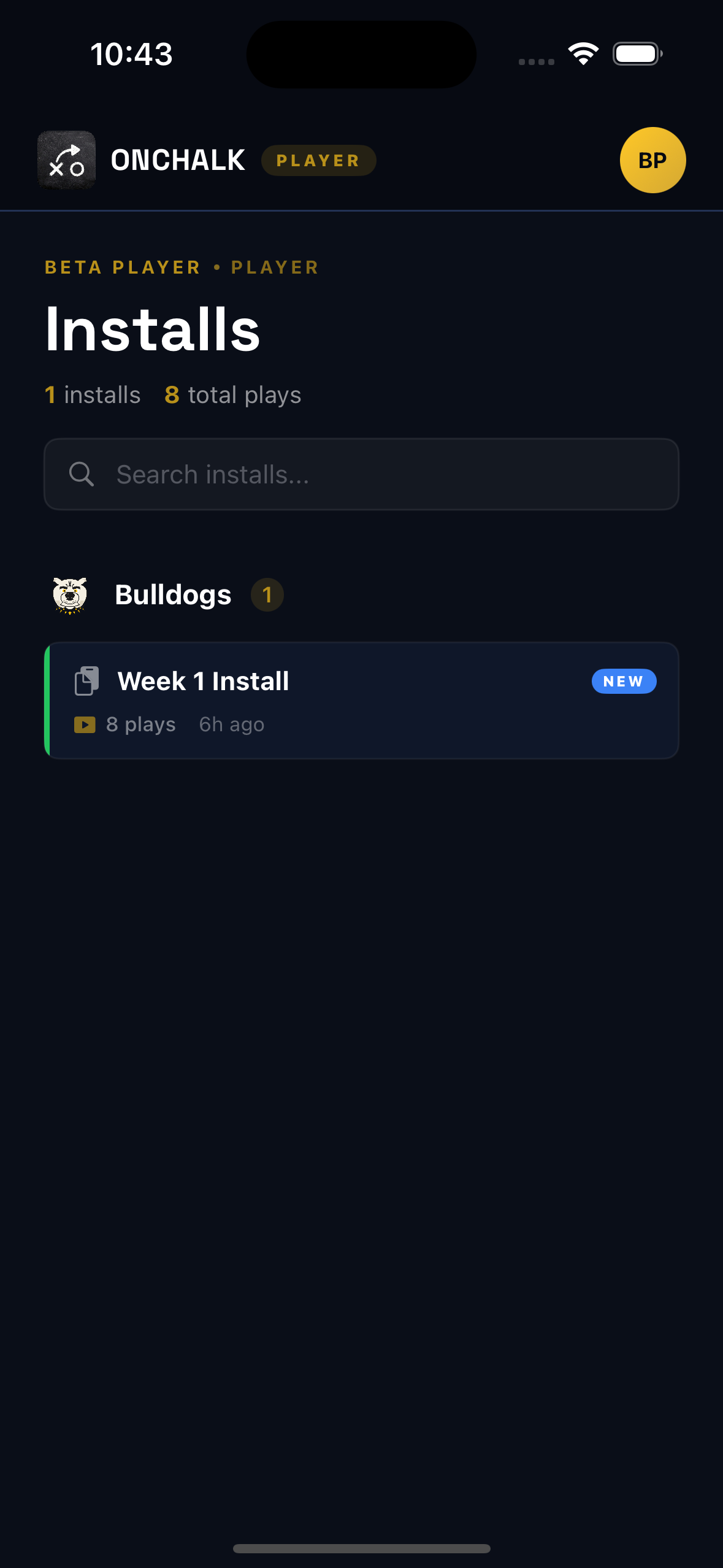
On their phone, before Friday.
Players open OnChalk and see only what’s theirs — this week’s install, the plays in it, the assignment for their position. Every play they open is recorded for the coach. No bloated app, no other teams’ noise, no credit card.
- View
Just your installs.Player opens the app, sees the installs they were assigned. That’s it. Open it, see the plays, see the route.
- Role
Position-specific assignment.The X sees the X’s route. The TE sees the TE’s block. One line of plain-language teaching, not a coaching certification quiz.
- Review
Open every play.Page through the install. Each play opened gets recorded automatically — no extra taps, no checklists for the kid to manage.
- Free
Free for players to study.Players don’t pay to view their assigned installs. No credit card between a kid and their assignment.