
Introducing OnChalk
We are youth football coaches. We built OnChalk to improve players’ development and remove all the run around associated with getting plays to kids as they update over the course of the season (game to game - practice to practice). We were constantly updating plays and putting them on shared drives for parents to get their plays to their kids (when they had time). OnChalk puts your playbook in one place, gets it onto every player’s phone, and prints Saturday’s paper from the same source. Here’s the whole thing, piece by piece.
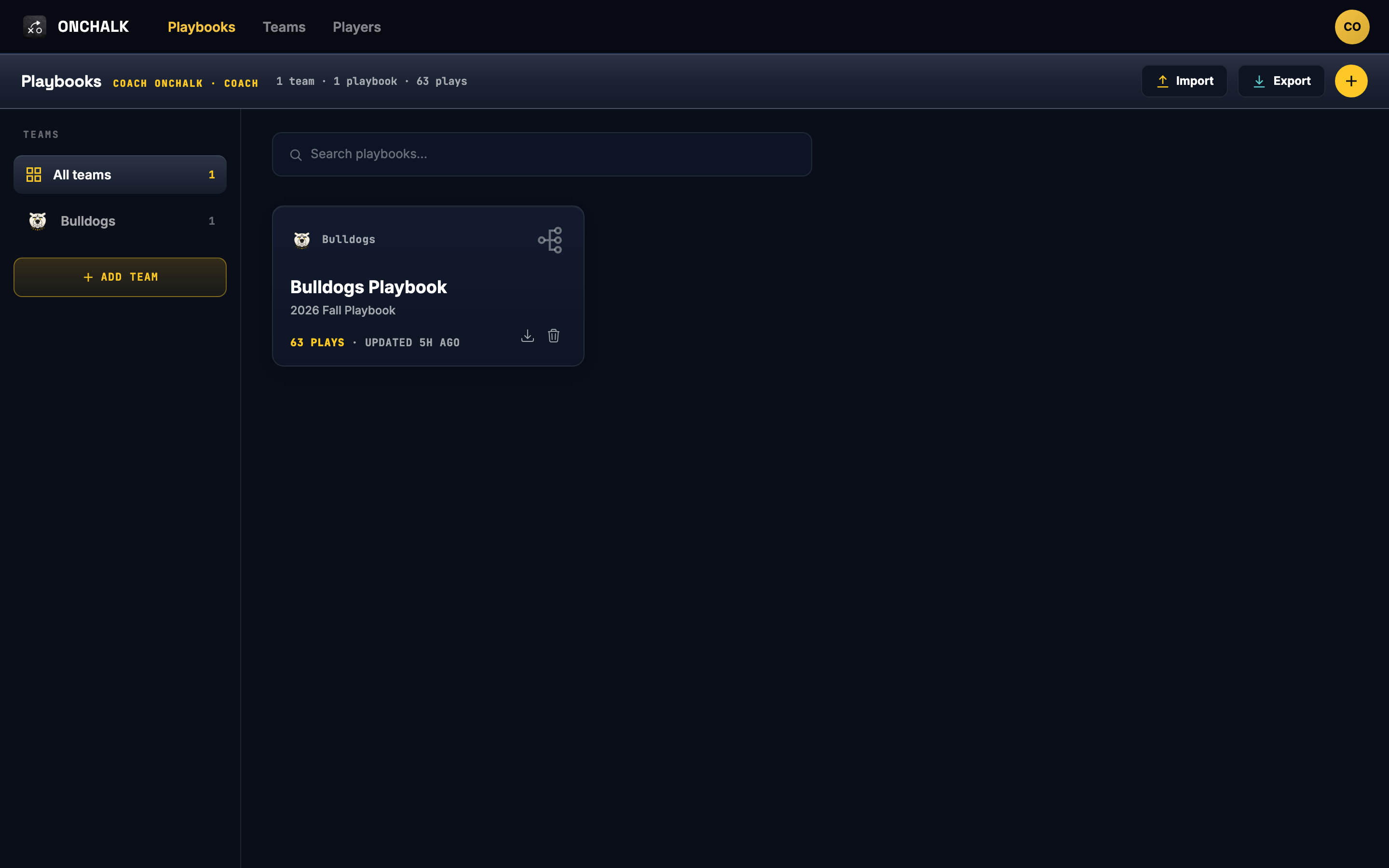
One playbook, everything hangs off it
Everything in OnChalk starts with a playbook. Your team’s library. Formations, plays, installs and every piece of game-day paper live inside it, which means they share one set of facts. Change a play and the install that carries it changes, the wristband that prints it changes, and the diagram your players study changes. You fix things once.
The playbook lives on your coach profile, not on a team. Switch clubs, move up an age group, take a season off? It comes with you.
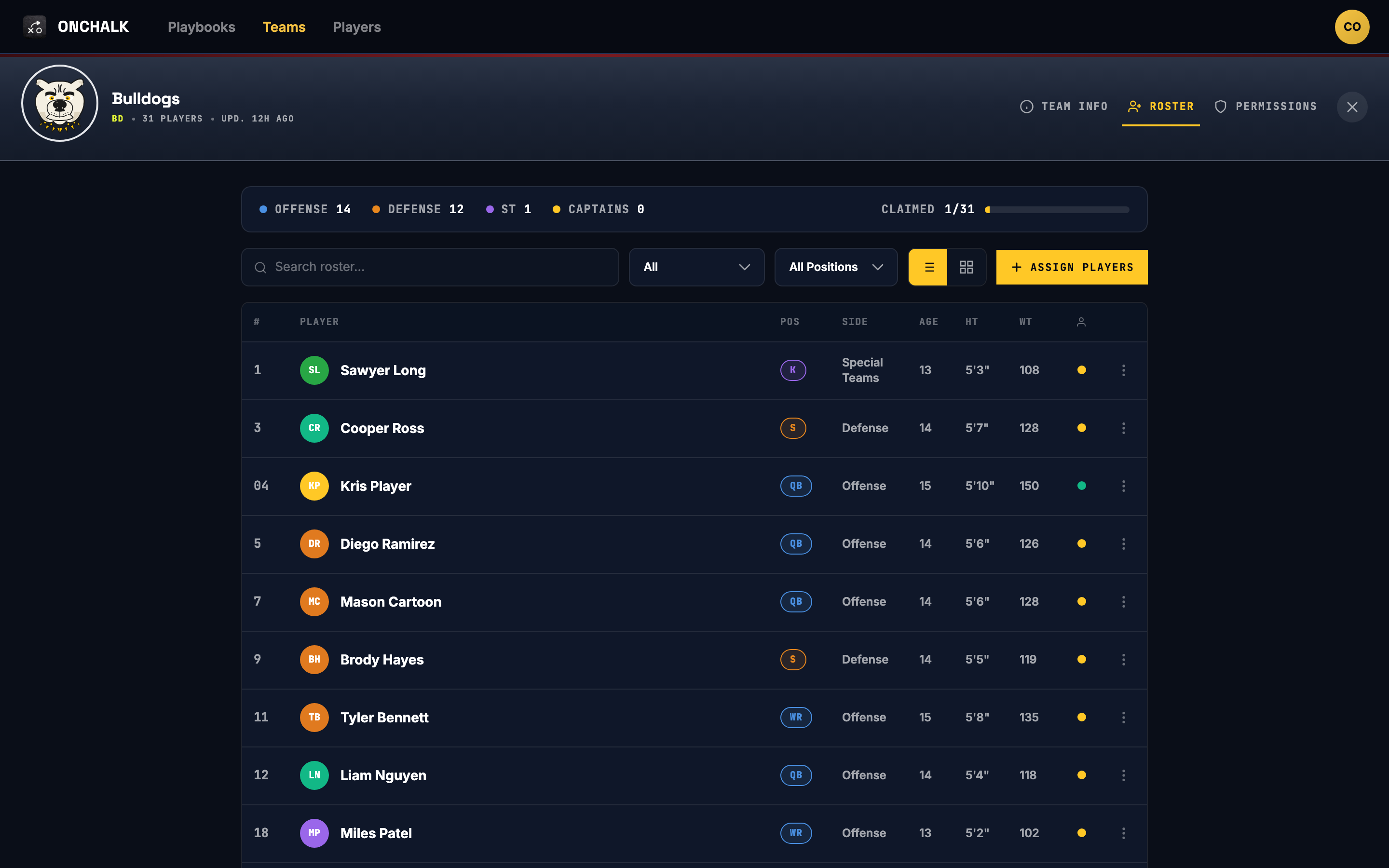
Teams and rosters
Set up a team in a couple of minutes: add players, give them numbers and positions. Positions are the part that matters later. This is how OnChalk knows which assignment to show which kid. Run more than one team from the same profile if you coach a varsity and a JV.
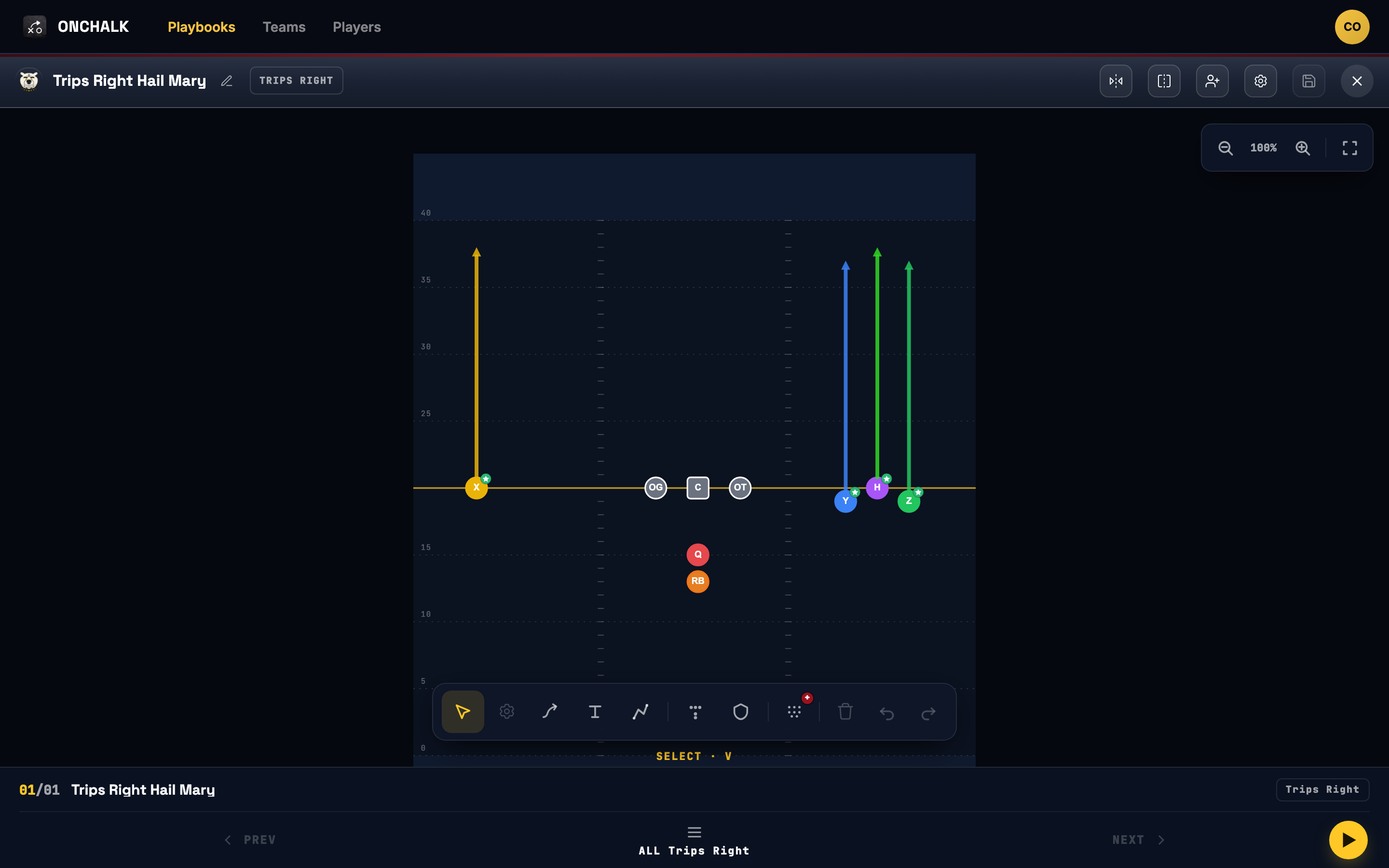
Formations
A formation is where your players line up before anyone does anything. Build a full eleven-man look. Build a specialized group: a receiver set, an O-line front, or a backfield look. When you build a play, combine specialized groups into the play to get started or use one of your full personnel formations. Get the spacing right once and every play built on it starts from the same alignment.
Step by step: How to Create a Formation in OnChalk.
Plays
Pick a formation, give each position its assignment, draw the routes, tag it, name it, save it. The tags — category, situation, concept — are what let you pull “every red-zone pass” out of a hundred plays in two taps a month from now.
Step by step: How to Create a Play in OnChalk.
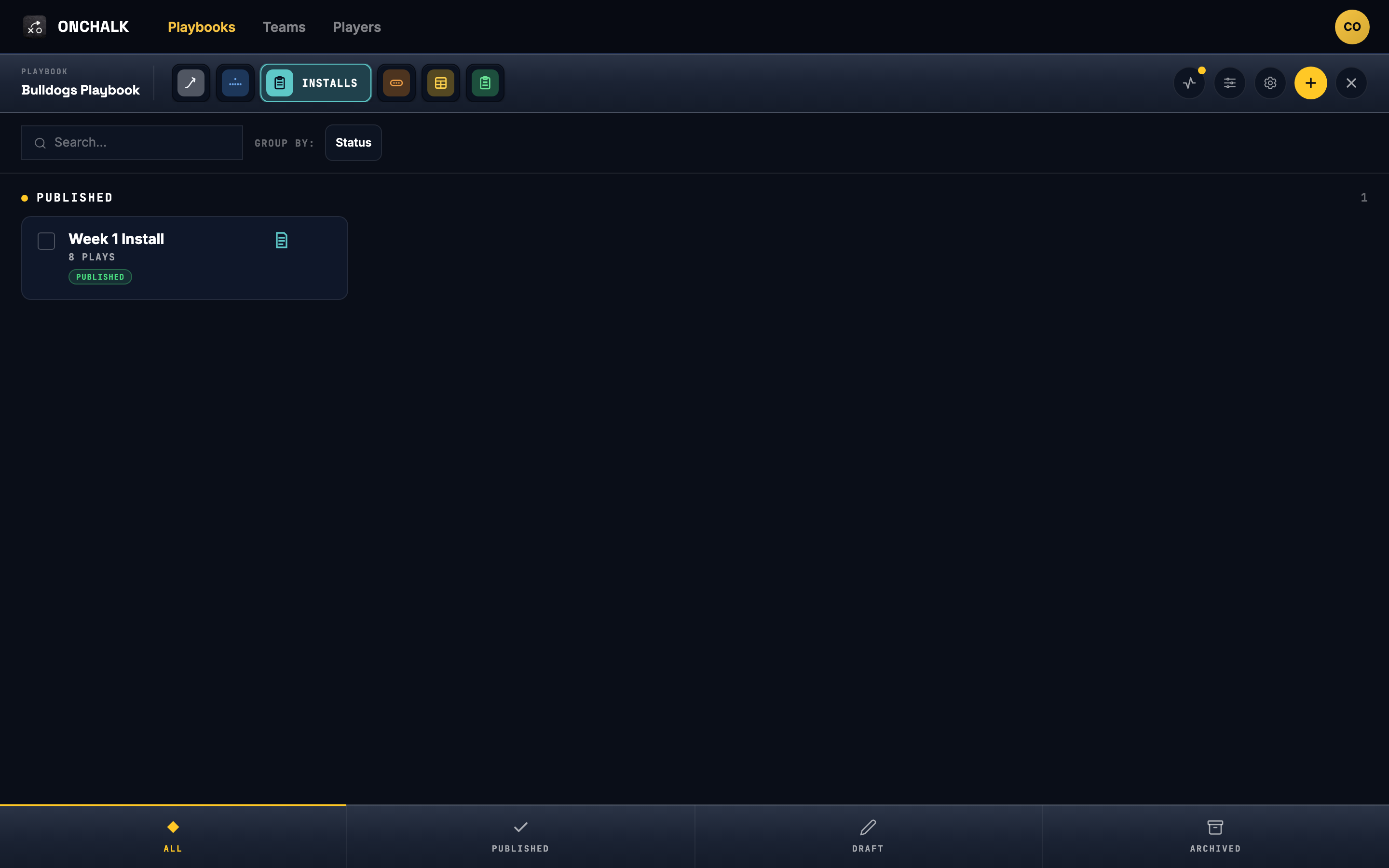
Installs — the week's package
An install is what you’re teaching this week: a set of plays, scoped to the players who need them. Assign the whole team, one position group, or a single kid repping a new spot. Draft it through the week, publish when you’re ready, and every assigned player gets it on their phone. Edit mid-week without starting a notification flood.
What the players see
A player opens the app and sees only what’s theirs: the installs assigned to them, the plays inside, and the assignment for their position on each one. No other teams, no other positions, no eleven jobs to read through. Every play they open is recorded, so you know before Friday who has actually looked.
Player accounts are free. A kid should not need a credit card to learn their assignment, and you should not have to chase parents for one.
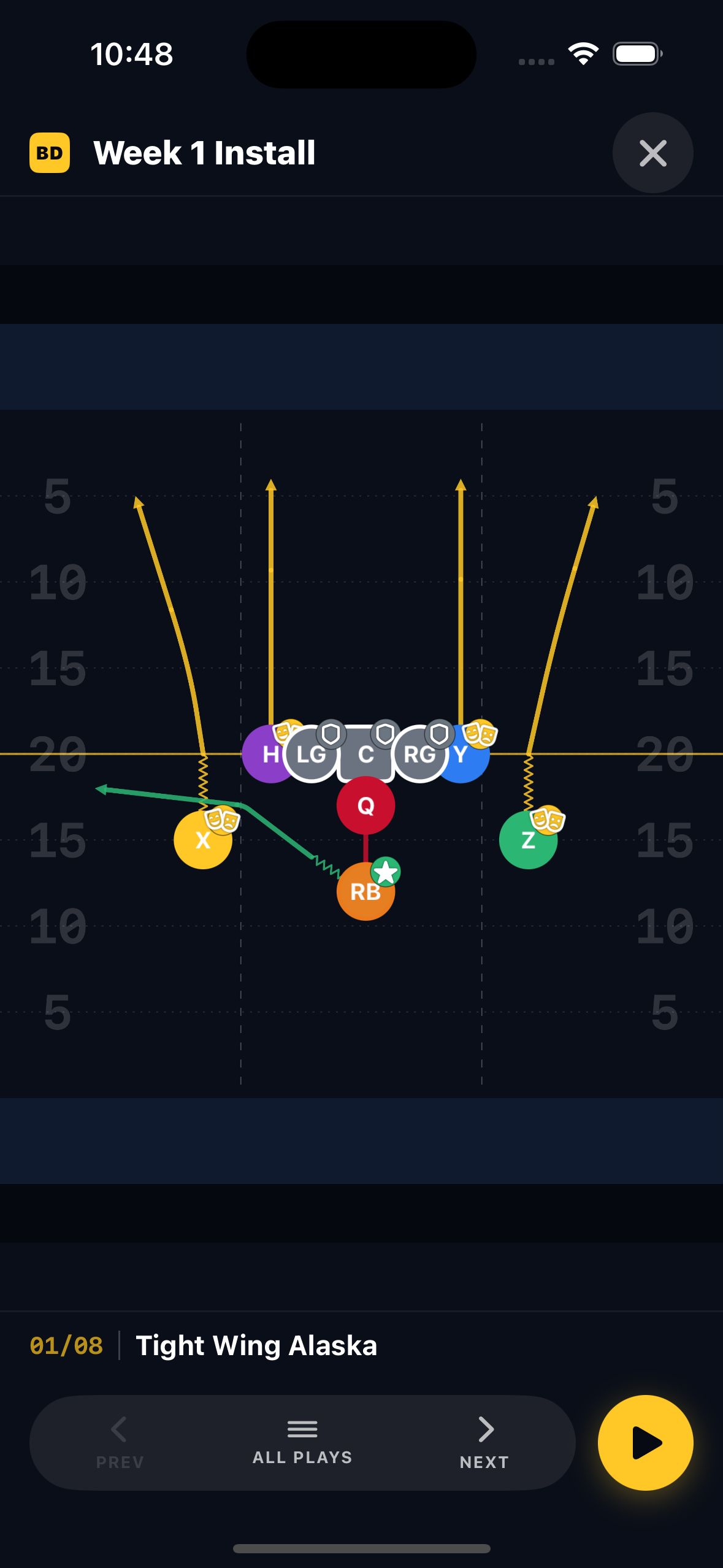
Design it once; OnChalk keeps it in sync everywhere your team needs it.
Saturday's paper
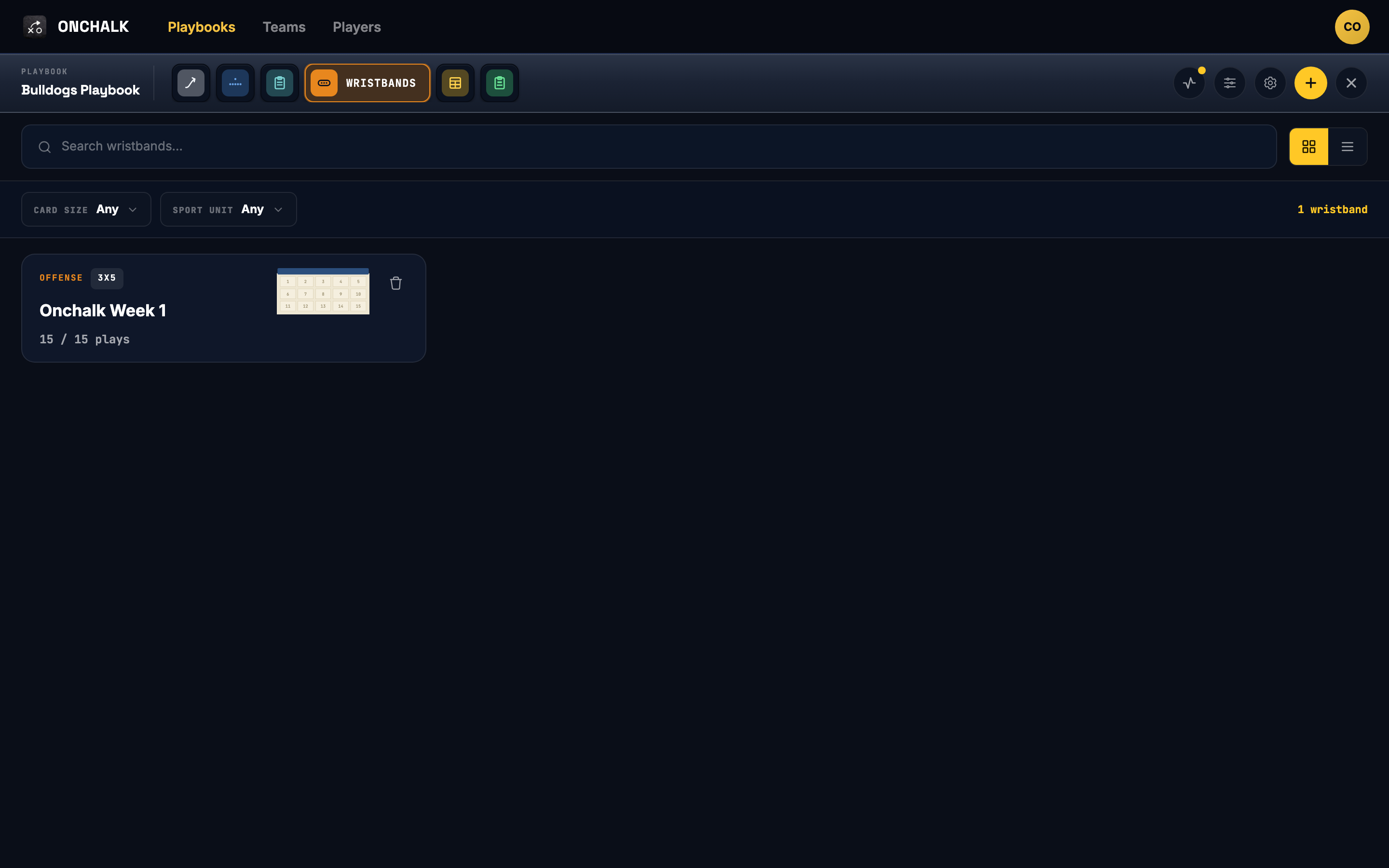
Wristbands, call sheets and playsheets all generate from the same plays. Signal grids sized for a wrist; a call sheet sorted by situation; full-page diagrams for the staff. Change a play on Thursday and the paper you print Saturday morning already matches what the kids studied.
What it costs
Players are free, always. Coaches are $9.99/month or $99.99/year. The annual plan works out to two months free. Every coach plan starts with a 7-day free trial. Build a playbook, ship an install, see who studies it; cancel before the trial ends and you pay nothing. Current pricing is shown in the App Store before you confirm.
Where to start
Set up your team, build one formation, build one play on it, and put those into an install this week. That’s the whole loop! Once you’ve run it once, the rest of the season is just repeating it with better plays.